Create freely.
Everything stays with you.
A graphics and design studio of disarming simplicity. Infinite canvas, shapes, typography, images: it is all here. And because Meylo is 100% local, your creations never leave your Mac.
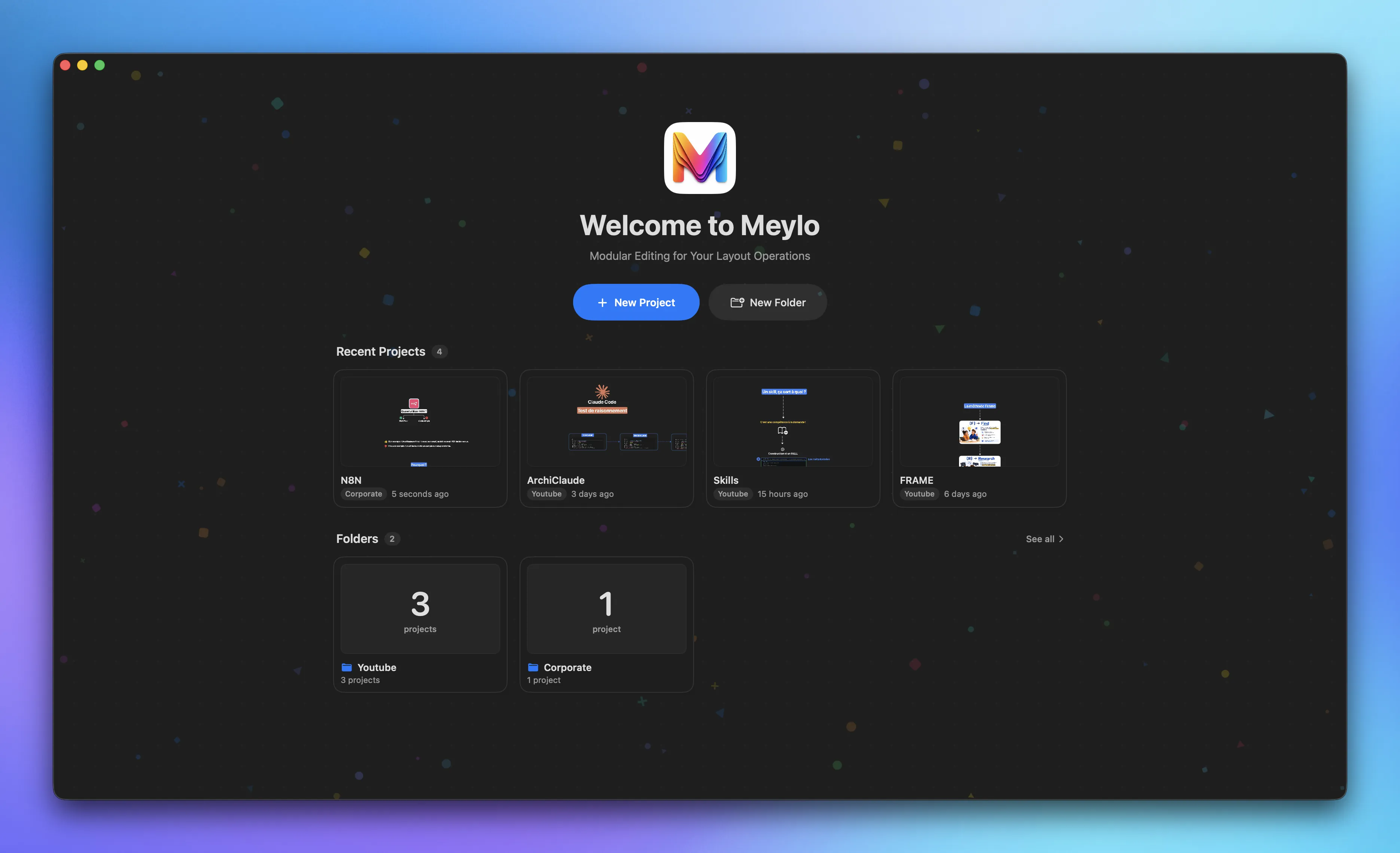
All your work,
perfectly organized.
Centralized management built to fit the way you work. Group your creations into folders, organize your projects however you like, and find every idea at a glance.
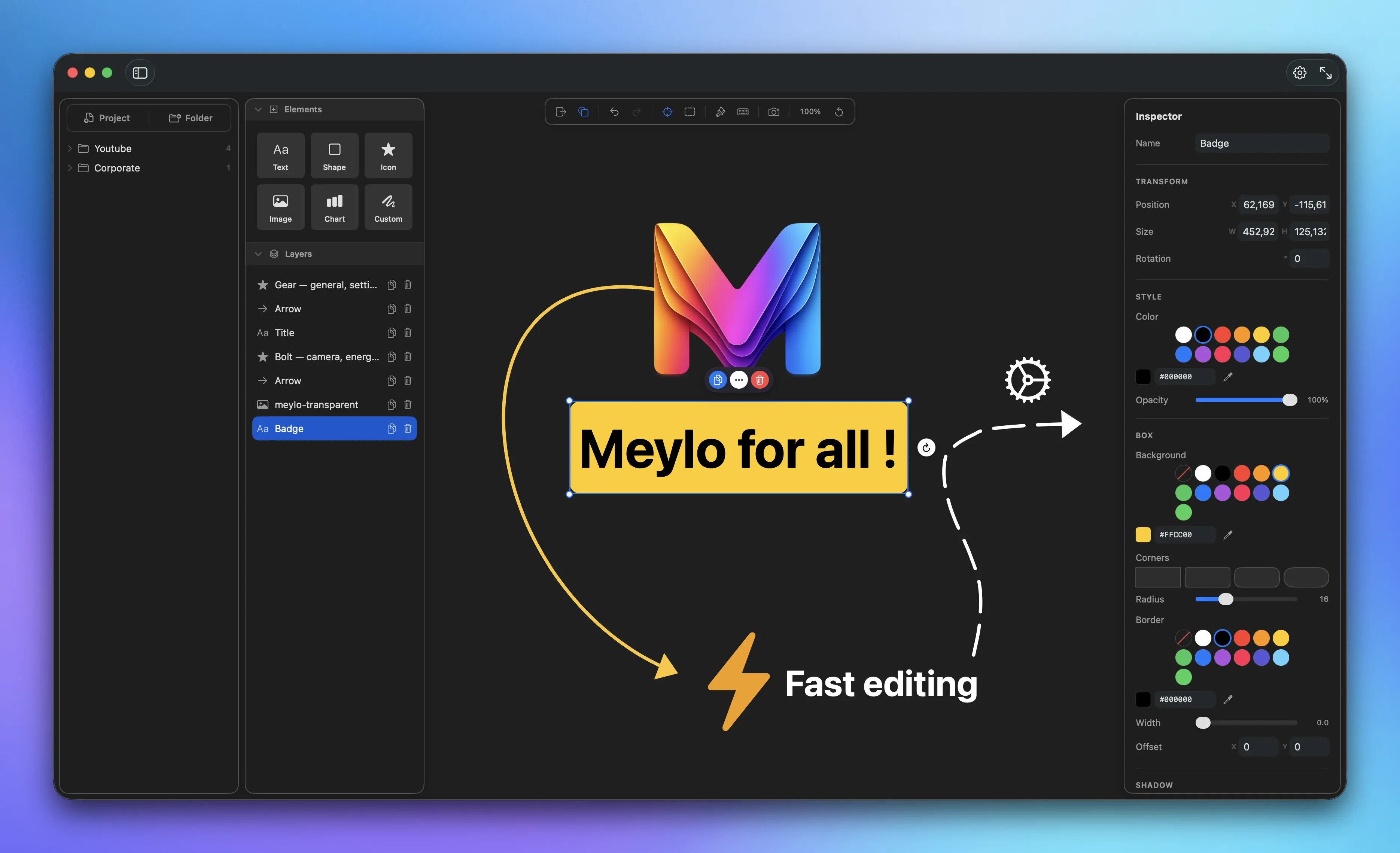
An infinite canvas,
everything within reach.
Text, shapes, icons, images, charts: it is all here. In a few clicks, you get exactly what you need. Drag, drop, adjust, the inspector fine-tunes every detail in an instant.
Everything to create,
in a single window.
Every element is built for speed, without ever leaving your canvas.
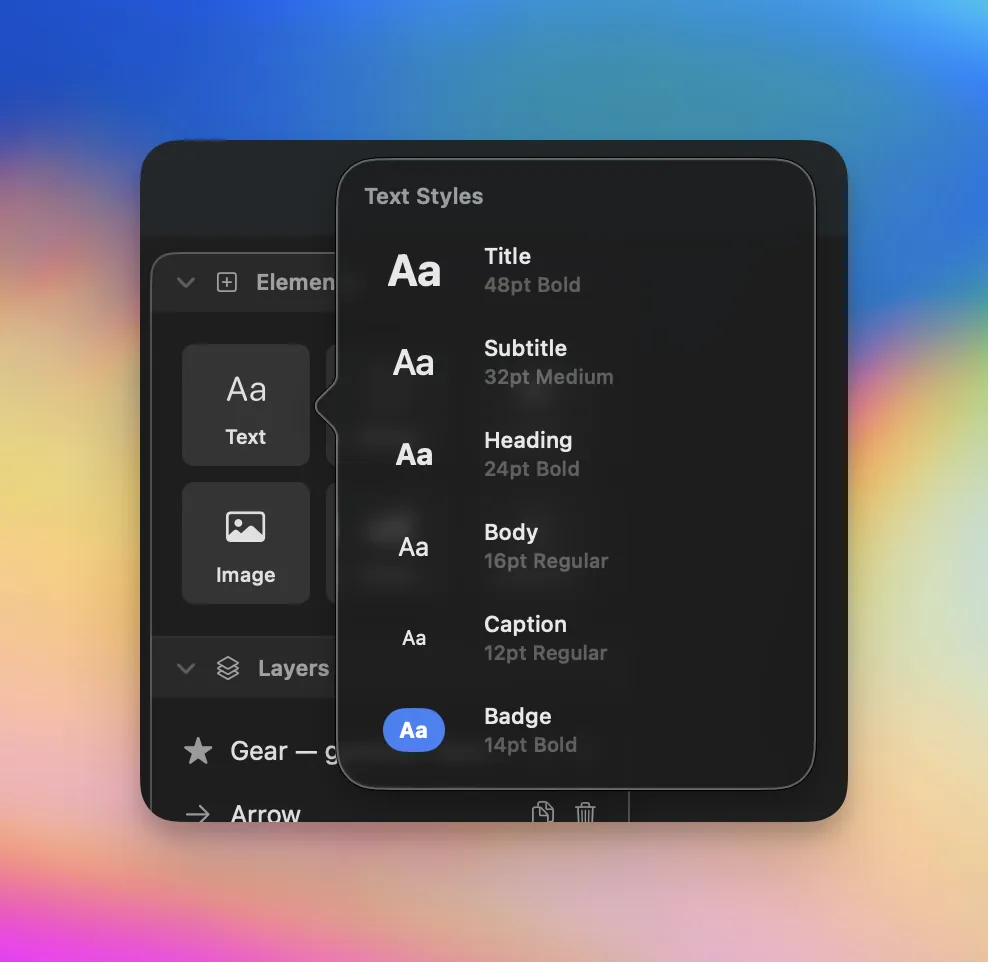
Several ready-to-use text styles.
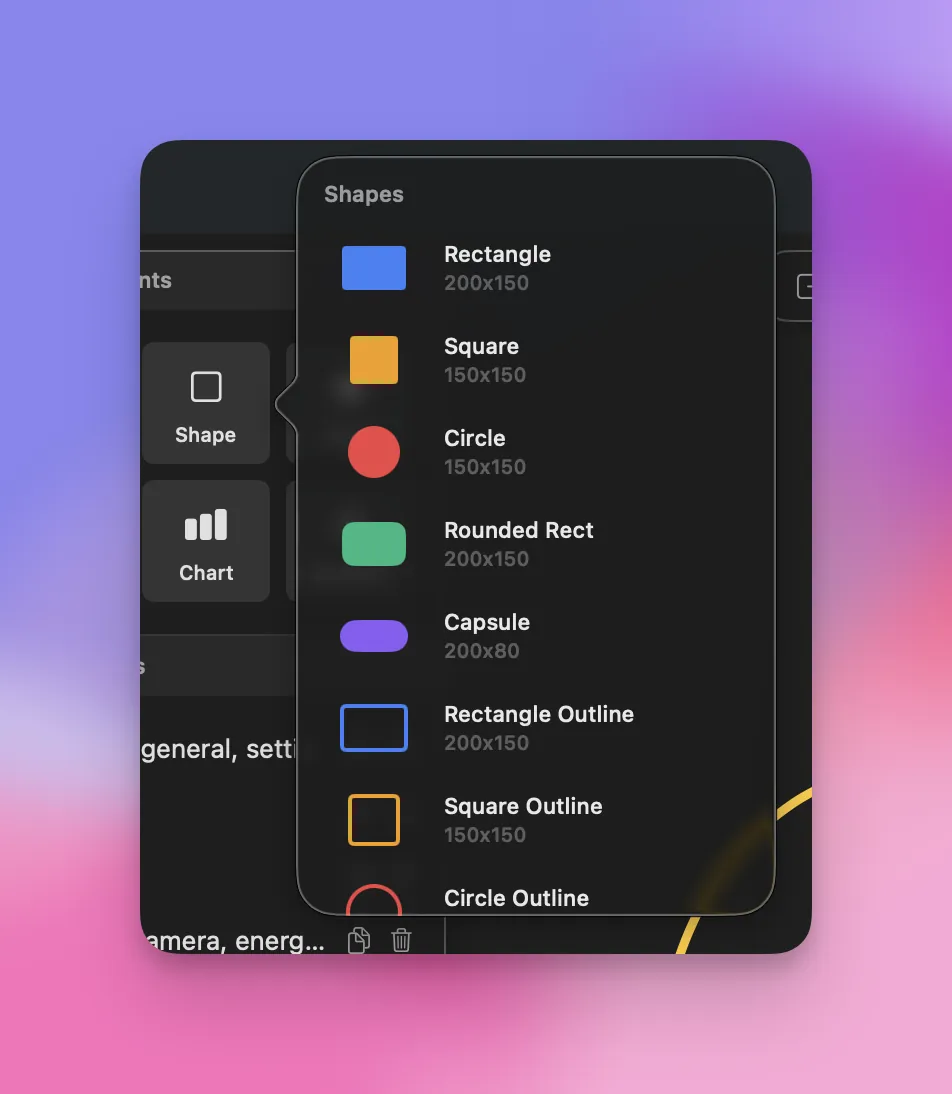
Draw shapes straight onto your canvas.

A library of over 3000 icons.
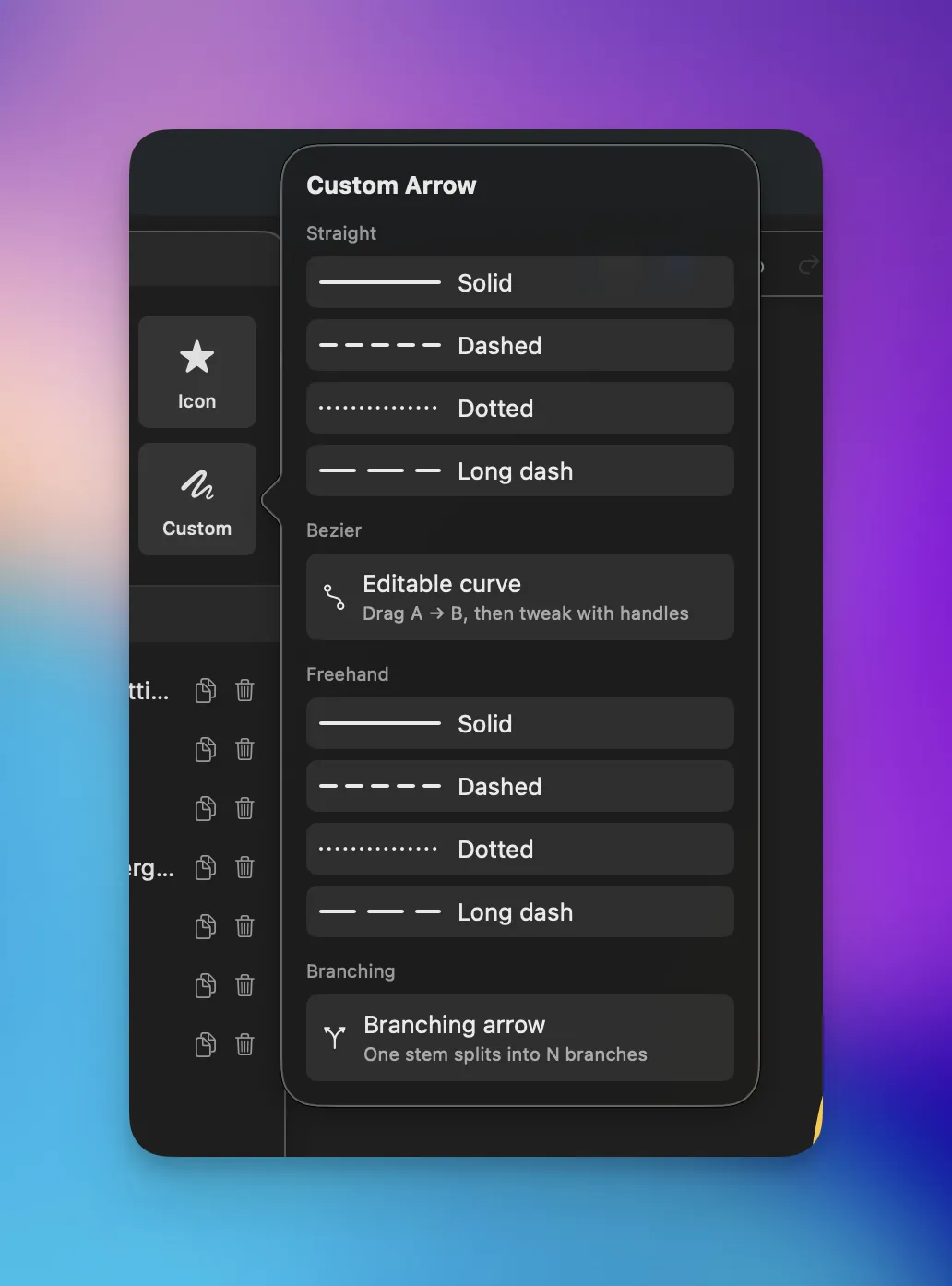
Draw custom arrows in a few clicks.
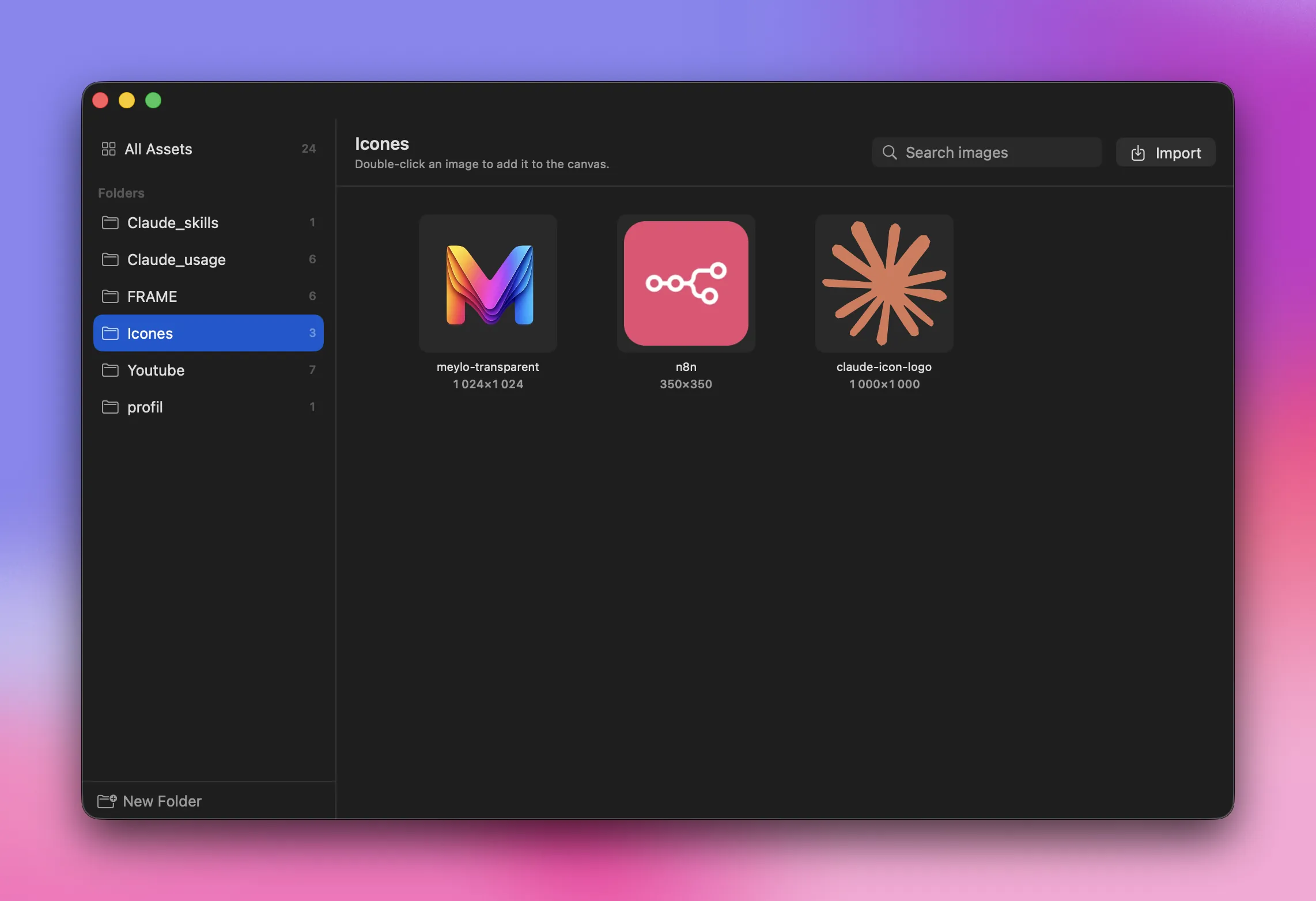
Import your images and manage them from centralized folders.
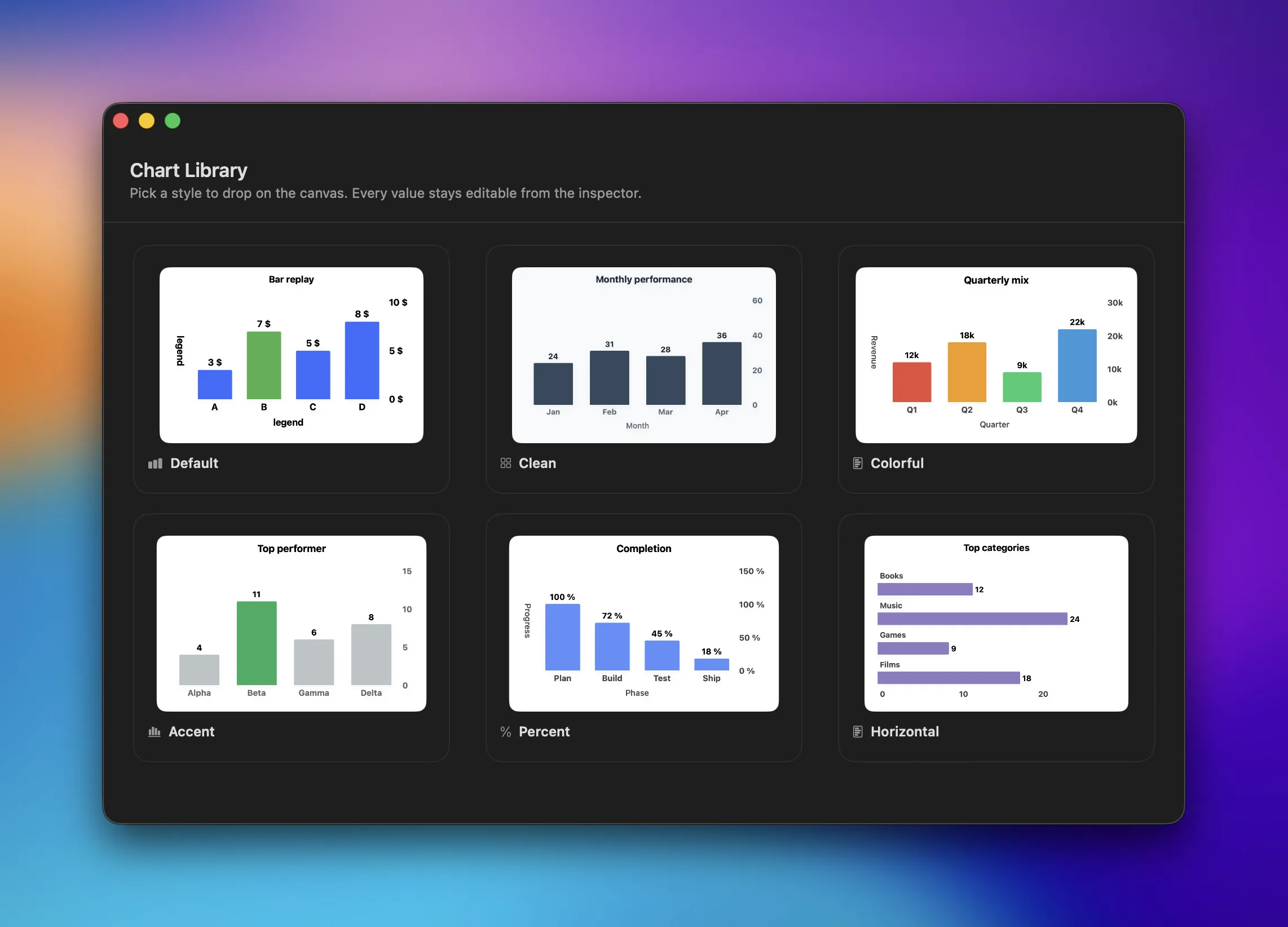
Add data charts to your designs.
Everything stays
on your device.
Meylo syncs nothing to a server. A deliberate choice, for two good reasons.




Your projects are yours alone
Your data stays on your device. Nothing is exported to a server. Perfect when a project has to stay private.
No connection needed
No Internet required to work on your projects. Even on holiday, even offline, even without tethering, even in the most remote places.
All of it,
for free.
Forever. No subscription, no hidden purchase, no asterisk.
So, where is the catch?
There is none.

We all pay a subscription for design software, when it was enough to just build it. Creativity should not cost money. It is the fruit of the research that leads to the result, not a price.
Anthony Marandon
Creator of Meylo
A question?
We answer it.
What you need to know before getting started with Meylo.
What are the requirements to install the app?
You need macOS 26 at minimum. That is the only condition to enjoy Meylo.
Do I need an internet connection?
No. The app runs 100% locally, with no connection required.
How do I transfer my data when switching devices?
When you move from one Mac to another Mac, your data is cloned. You lose no progress.
If my Mac breaks down, do I lose all my progress?
Meylo is built Privacy First, no data is extracted to an external server. As a precaution, back up your project directory regularly to a USB drive. You can then restore it on your next Mac.
Which language is supported in the app?
For now, English only, for international distribution reasons.

Follow Anthony
on YouTube.
Discover my other experiments and my journey as a developer.
Subscribe to the channel